
How to Customize Subscription Box Contents Step by Step
Last Updated: November 19, 2026
Quick Summary
To customize subscription box contents, log in to your account, open your subscription settings, and choose your preferred product categories. You can also list items to skip and add dietary notes, then save changes before your next billing date.
- Log in to your account and open your subscription settings.
- Choose your favorite categories, such as snacks, home goods, or pantry items.
- List items you already own or dislike so they are left out.
- Add allergies or restrictions as dietary notes.
- Save your changes before the next billing date.
Table of Contents
- How to Customize Subscription Box Contents Online
- Setting Your Subscription Box Preferences
- Making Item Swaps and Editing Your Subscription
- Frequently Asked Questions
How to Customize Subscription Box Contents Online
Customizing subscription box contents starts with telling the business what you like, what you avoid, and how often you want surprises. Here is how to do it step by step.
- Log in to your Mitten Box account
- Open your subscription settings
- Choose your preferred product categories
- Save your changes before the next billing date
Setting Your Subscription Box Preferences
- Favorite categories: snacks, home goods, or pantry items
- Items to skip: anything you already own or dislike
- Dietary notes: allergies or restrictions
Making Item Swaps and Editing Your Subscription
Ready to build your first box? Build your box and start choosing the Michigan products you want to see. For a broader walkthrough, see Can You Customize Gift Box Contents? A Step-by-Step Guide, and for a value check before you commit, read Are Monthly Subscription Boxes Worth It? A Value Guide.
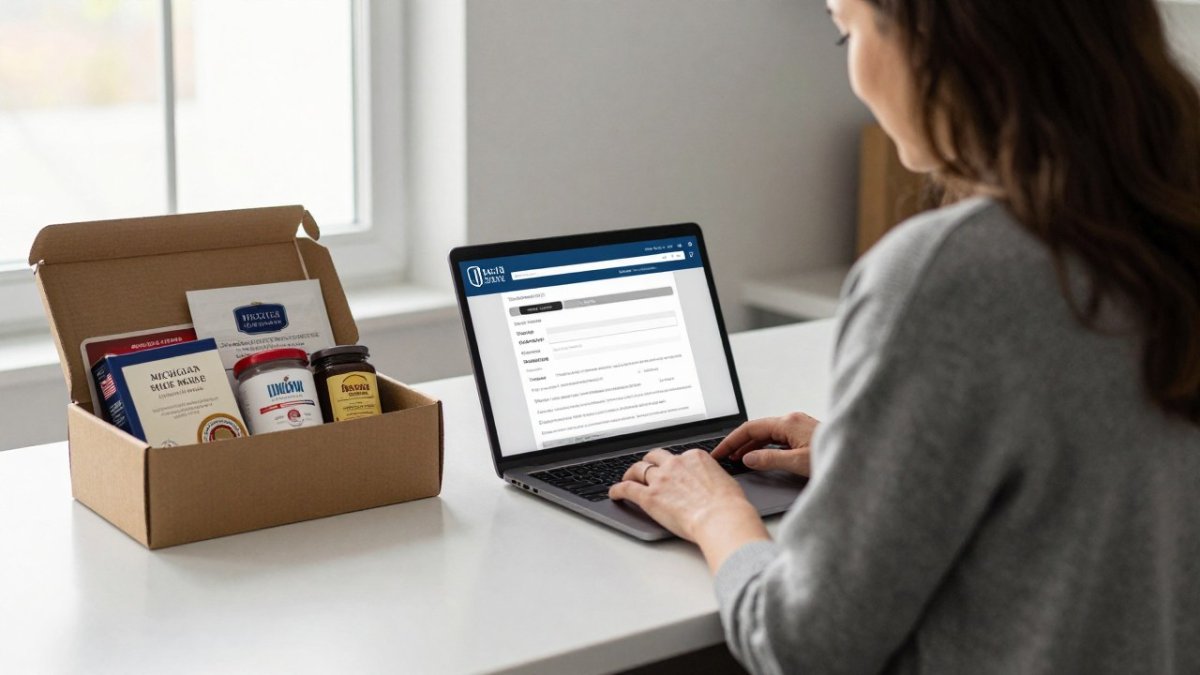
The article's preference settings can be summarised as follows.
| Preference | Example | Purpose |
|---|---|---|
| Favorite categories | Snacks, home goods, or pantry items | Sets the product types you receive |
| Items to skip | Anything you already own or dislike | Keeps unwanted items out of your box |
| Dietary notes | Allergies or restrictions | Flags items you cannot have |
Frequently Asked Questions
Can you choose the items in a subscription box?
Many subscription boxes let you choose some items, but the level of control varies by service. Some offer preference settings that guide what gets curated for you, while others allow you to swap individual items before a set cutoff date. Check the account settings or the box builder on the brand's website to see which options apply. Mitten Box's current customization options and cutoff timing are listed on its website, so review them there before your next billing date.
How often can I change my subscription box selections?
The window for changes is usually tied to each billing cycle. Most services lock selections a few days before the box ships, so making changes early in the cycle gives you the most options. If you want to avoid surprises, update your preferences as soon as your account allows. Confirm the exact cutoff on your account page or the brand's FAQ before the deadline passes.
How do I edit a subscription?
Log in to your account, open the subscription section, and look for options to update preferences, swap items, change delivery details, or pause the subscription. Make your edits before the cutoff date for the upcoming shipment. If an option is missing from your account, contact customer service directly, since some changes must be handled by the team rather than the website.
